


Overview
Mobile optimization is the process of altering settings to enhance a site for viewers on smaller-than-desktop screens. Often optimizations are required for mobile devices, and are encouraged for tablets. All Standards projects start with a desktop breakpoint by default. Tablet and mobile breakpoints can be added which will display optimized settings at those sizes.Fundamentals
- All visual assets and written content match between breakpoints by default
- Settings can differ between breakpoints, such as text size and media aspect ratio
- Columns wrap within layouts, for instance content in a layout on desktop with columns displaying horizontally can display vertically at the other breakpoints
Breakpoints
- Desktop: Default breakpoint, optimized for larger monitors and laptops over 1020 pixels wide.
- Tablet: Optimized for screen widths 1020px to 600px.
- Mobile: Optimized for screen widths 600px and under.
Tip: Breakpoints can be deactivated/activated from the breakpoint dropdown in the editor top bar
Adding a breakpoint
There are two primary ways to add breakpoints to your Standards projects.
Top bar
1
Select breakpoint dropdown
Within the project editor, select the breakpoint dropdown from the top bar
2
Select + beside a breakpoint
From the dropdown, select the
+ button beside the new breakpoint you would like to add3
Toggle between breakpoints
Once added, toggle between the breakpoints by selecting them from the top bar, or by pressing R

Setup
1
Create a new project
When starting a new project, select the breakpoints you would like to include from setup. They will automatically be added to your project
2
Toggle between breakpoints
Once added, toggle between the breakpoints by selecting them from the top bar, or by pressing R
Editing a breakpoint
Editing individual breakpoints is as simple as selecting the breakpoint from the breakpoint dropdown in the top bar or by pressing the R keyboard hotkey. Then select elements to modify and edit their settings.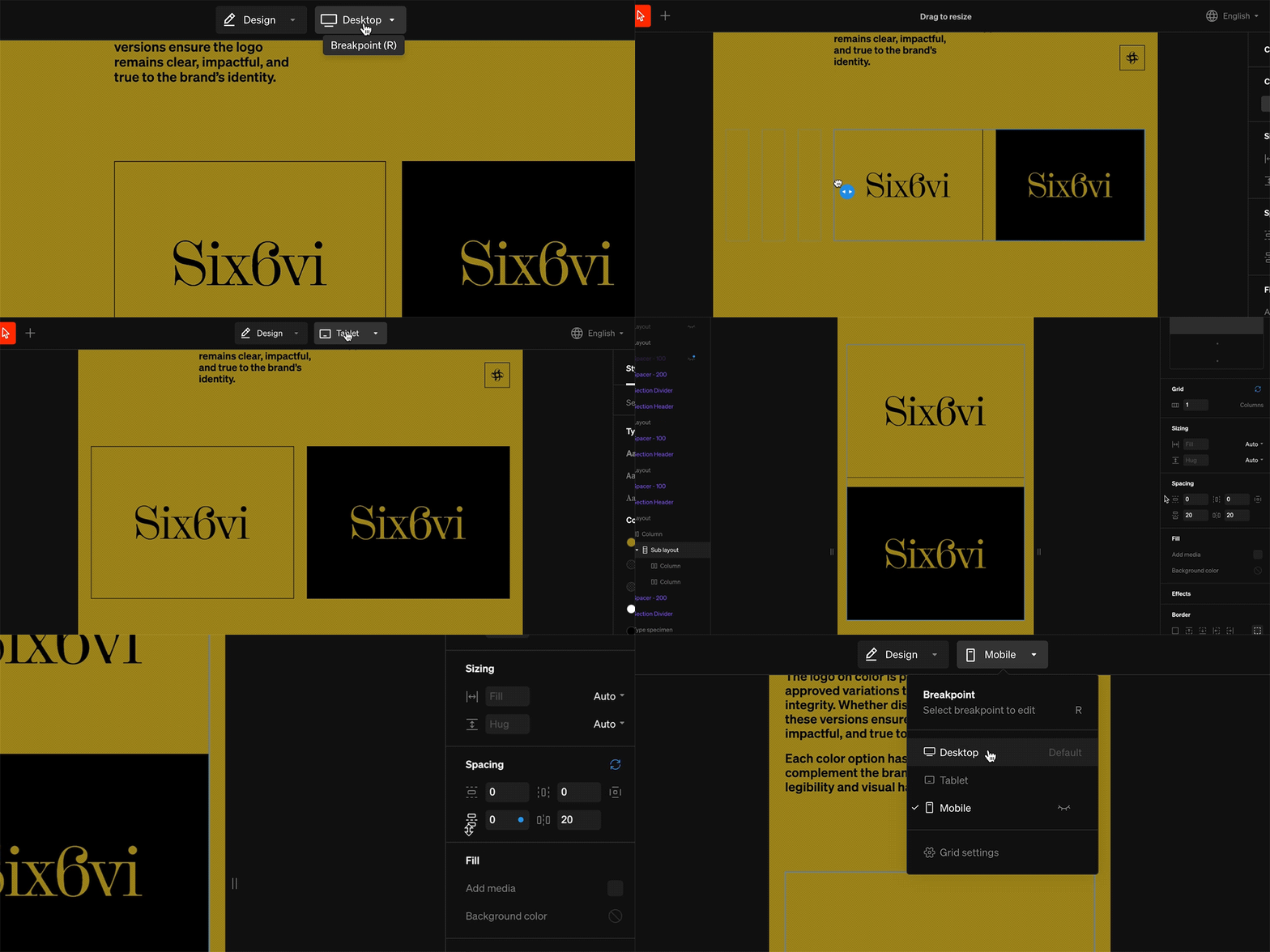
Common optimizations
Menu
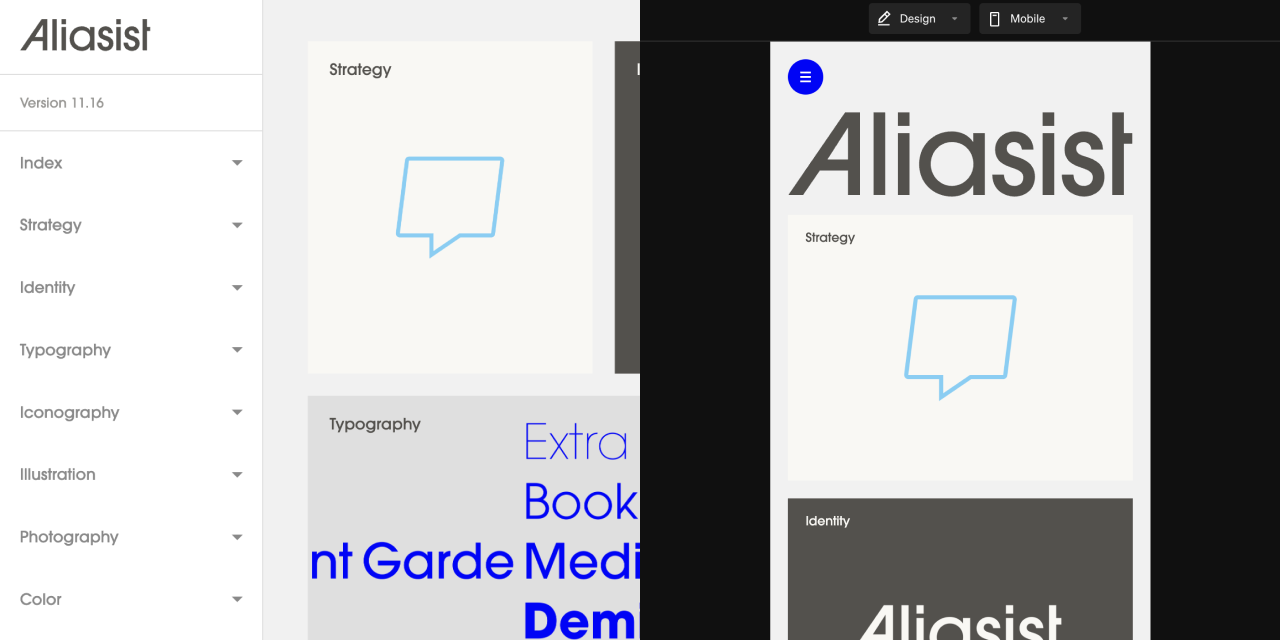
Layout grids

Text size
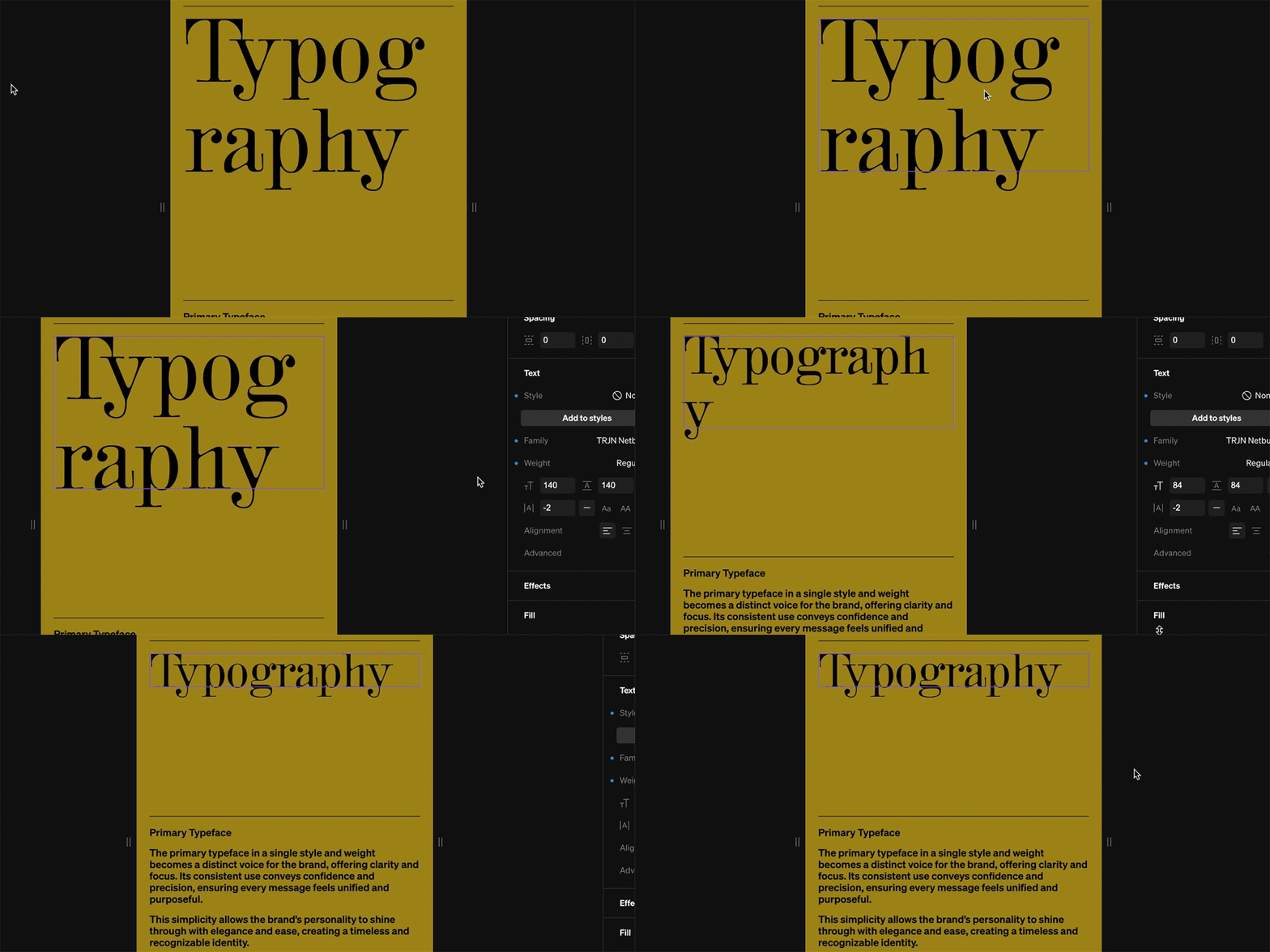
Tip: Creating mobile-specific text styles is a quick and efficient way to swap text size.
Media

Content visibility
Although most settings are distinct to each breakpoint, the page contents are identical across all breakpoints enabling you to select which layers are shown or hidden. This allows you to easily control your design across different window sizes and decide what content is accessible.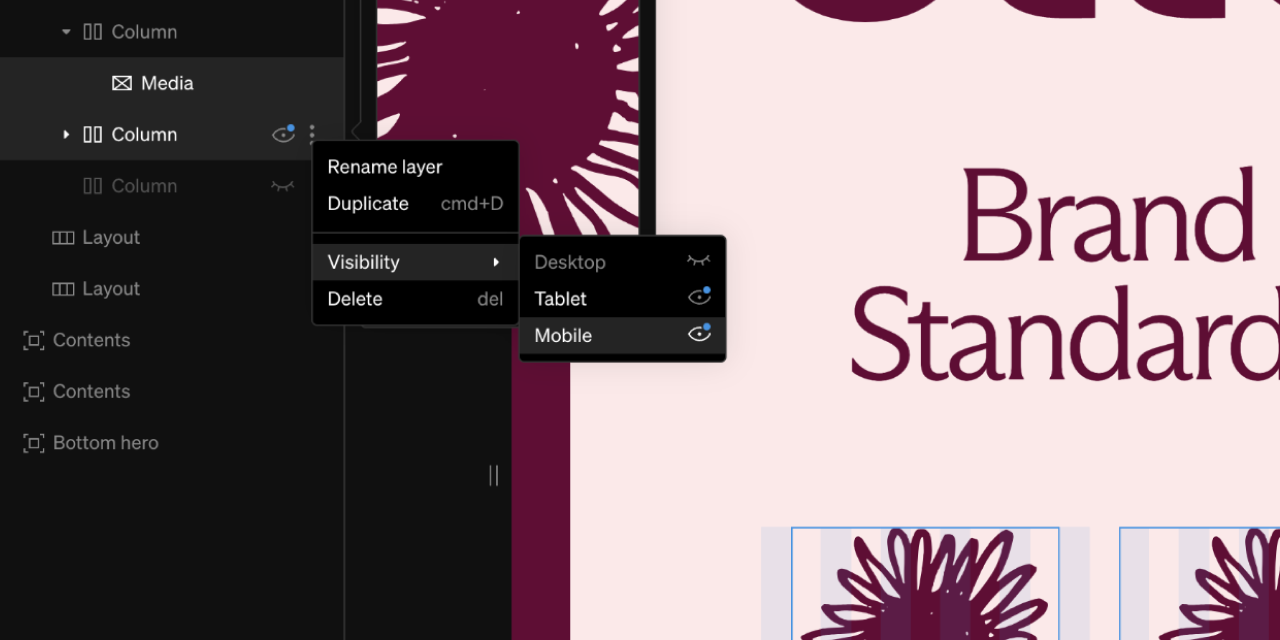
1
Select settings icon from contents layer
While viewing any breakpoint, from the left sidebar select the 3-dot icon beside a layer
2
Toggle visibility
Select each breakpoint’s visibility icon (eye) to toggle them on and off. This will either show or hide the contents on the given breakpoint
Tip: Sometimes a very specific design is ideal for mobile but uneccessary for desktop. In this case you would design it in the desktop breakpoint, optimize on mobile, and toggle the visibility off on desktop.
Breakpoint visibility
Breakpoints can be toggled on and off. This is especially useful when working on a breakpoint but it’s not quite finished. Toggle the visibility off, then publish.
1
Select breakpoint dropdown
Within the editor, from the top bar, select the breakpoint dropdown
2
Toggle visibility
Beside each beakpoint is a visbility icon (eye) that can be toggled. Select this icon to toggle the breakpoint on and off.
3
Publish
Publish changes for this change to take effect.
Grid settings
The Grid settings control defaults and preferences for the different breakpoints. They allow for site-wide changes to to be applied. These settings are accessed from the breakpoint dropdown in the top bar.
Settings overrides
When working in the tablet or mobile breakpoint, by default the settings and content will match desktop. Most settings can be changed to enhance design at that breakpoint. The changes can be reset back to default at any time.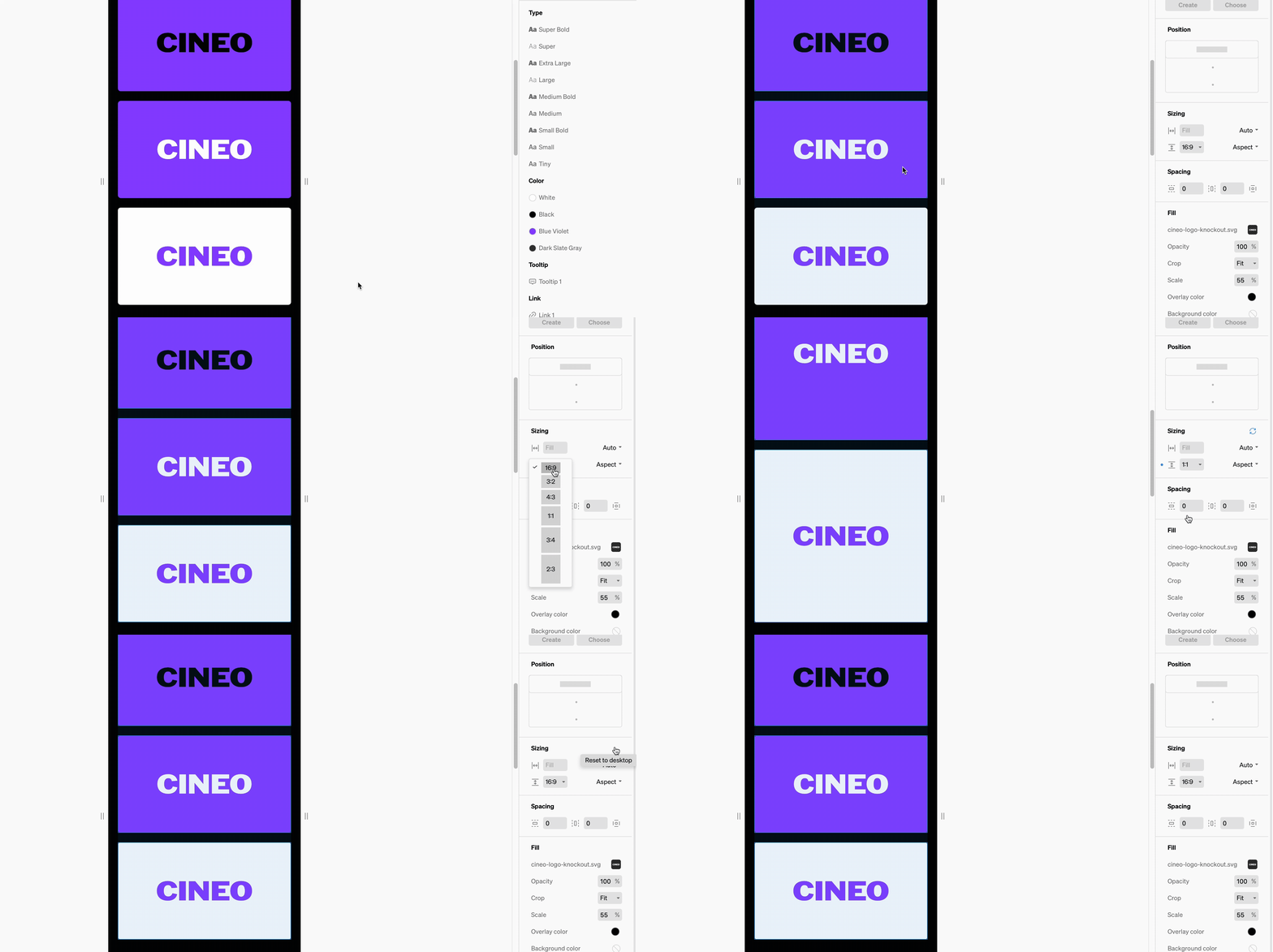
Indicators
Any time a setting is different than default/desktop, there will be a small blue dot beside the setting. Reset back to default by selecting the blue rotating arrow icon beside the settings group title.Breakpoint preview width
Both tablet and mobile previews can be altered to view at various widths. Within the breakpoint, click + drag left / right on the preview grabbers to increase and decrease the preview.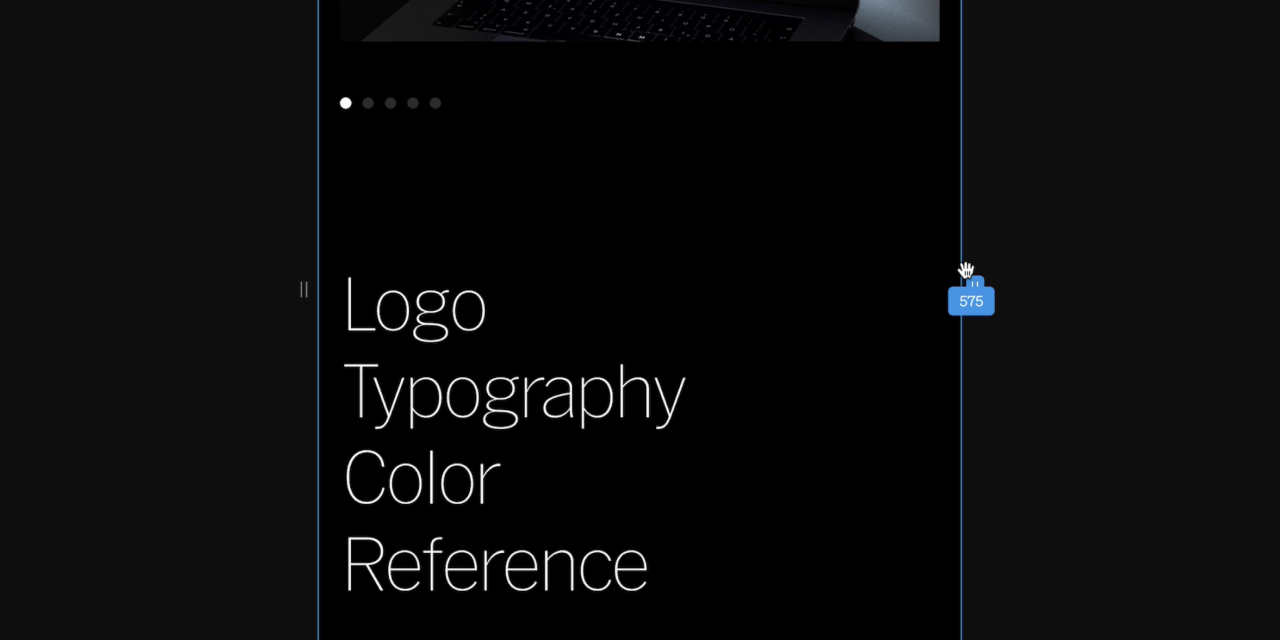
Keep in mind: The preview grabbers only control the preview, not the actual width of the breakpoint.Learn more about breakpoints in Grid
Frequently asked questions
What is mobile optimization?
What is mobile optimization?
Mobile optimization is the process of altering settings to enhance a site for viewers on smaller than desktop computer screens. Often optimizations are required for mobile phone, and are encouraged for tablets / small laptops. Optimizations typically include changes to text size, image aspect ratio, and content grid.
Do I have to optimize for mobile?
Do I have to optimize for mobile?
No, you don’t have to, and can toggle your project’s responsive breakpoints on/off.
What are breakpoints?
What are breakpoints?
Breakpoints are the screen width thresholds at which your site changes to accommodate different device sizes. There are three breakpoints in Standards; desktop, mobile and tablet. The default breakpoint for all projects is desktop.
Why is the desktop the default breakpoint?
Why is the desktop the default breakpoint?
Standards sites are most often referenced by designers and teammates that are accessing the sites from their desktop computers.