

Note: If you have another provider, you can most likely follow these same steps.
Add CNAME record
1
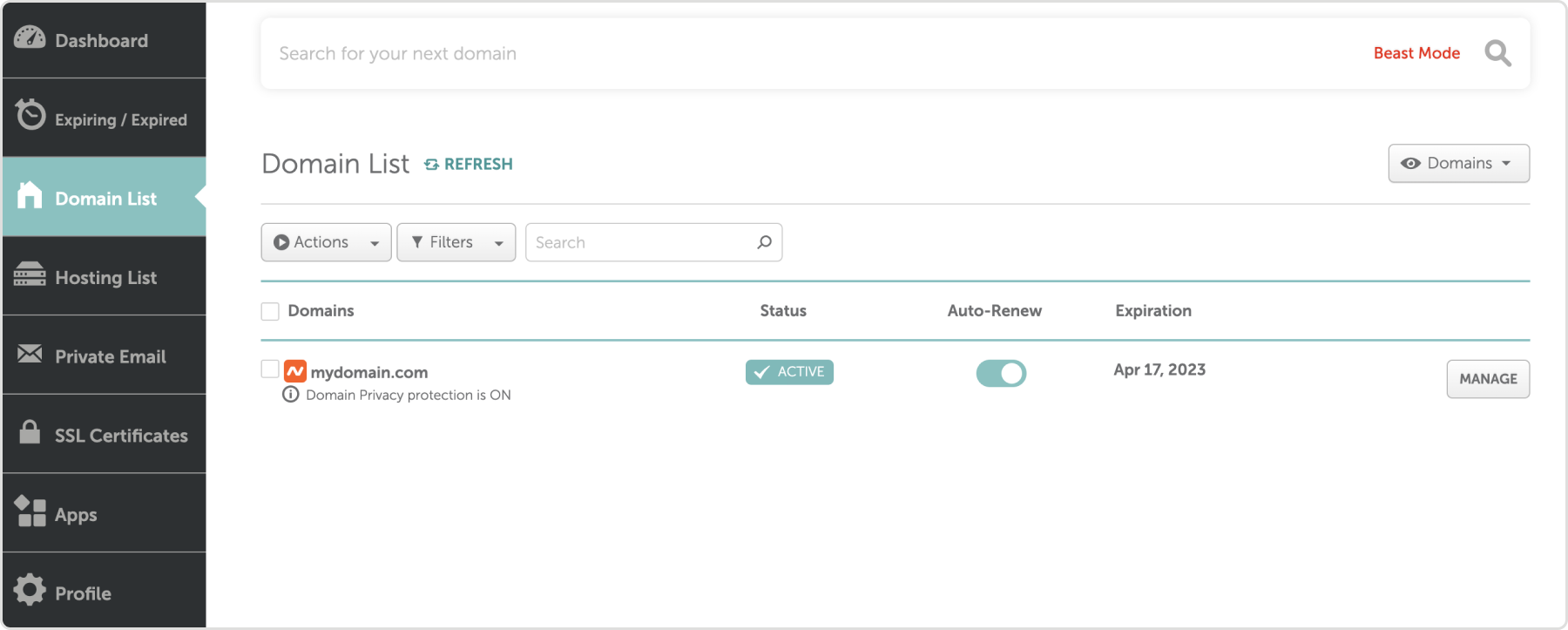
Log in and select your domain
2
Select advanced DNS

3
Select Add New Record
4
Set the type
Choose CNAME as the Type. For base domains, such as mydomain.com, enter the name:For subdomains such as brand.mydomain.com, enter the name:Where “brand” is whatever you chose to add to Standards.
5
Copy and paste value
From Standards, copy the CNAME record value. In Namecheacp paste the value into the field.
6
Confirm
Select the checkmark icon on the right.
Add A record
1
Add new record
In Namecheap, select Add new record
2
Enter name
For base domains, such as mydomain.com, enter
@ in the Name field. For subdomains, such as brand.mydomain.com, enter the subdomain portion brand.3
Copy and paste value
From Standards, copy the A record value. In Namecheap paste the value into the field.
4
Confirm
Select the checkmark icon on the right.