

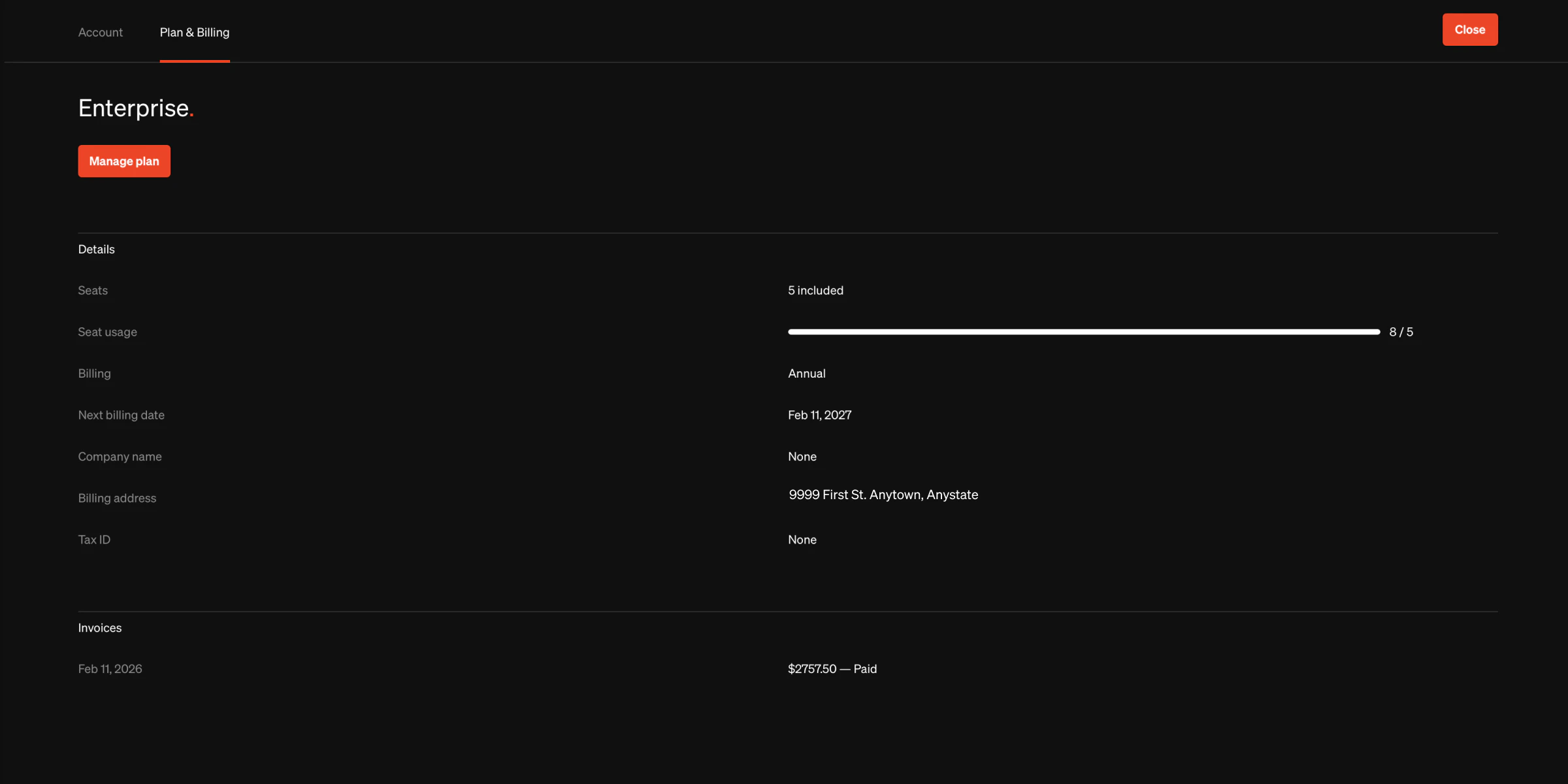
Manage plan & billing
Workspace owners can find plan and billing information as well as previous invoice history in the Plan & Billing tab of their account settings page. Select the avatar at the top right of the dashboard to view your account details.Start a paid plan
- Select the plan you would like to sign up for
- Follow the upgrade steps and enter your billing information
Change plan
- Select the Manage plan button
- Select Change from the manage plan overlay
- Choose the plan you would like to change to
- Confirm changes
Change billing frequency
- Select the Manage plan button
- Select the billing frequency from the manage plan overlay
- Confirm changes
Change payment information
- Select the Manage payment button
- Enter the new card information
- Confirm changes
View past invoice
- From the Invoices list at the bottom of the page, select the View invoice button on the invoice you would like to view
- You will be directed to our billing service Stripe where invoices can be downloaded
View past invoice
- From the Invoices list at the bottom of the page, select the View invoice button on the invoice you would like to view
- You will be directed to our billing service Stripe where invoices can be downloaded
Cancel plan
- Select the Manage plan button
- Select the Cancel plan button from the bottom of the manage plan overlay
- Confirm changes
Details on account after plan cancellation
- Projects are unpublished exactly 10 days after the account doesn’t have an active paid subscription
- Accounts with no paid plan will retain the projects as drafts
- Inactive unpaid accounts will retain data for 6 months
Manage failed payments
- If a payment for a Standards plan fails, Standards will attempt the payment again the next business day.
- If a payment fails 3 times, Standards will temporarily restrict the account. After 10 days, published projects will be reverted to drafts.
- Once a payment finalizes, Standards will restore access to the account.
For more assistance with account updates or billing, please contact [email protected].