

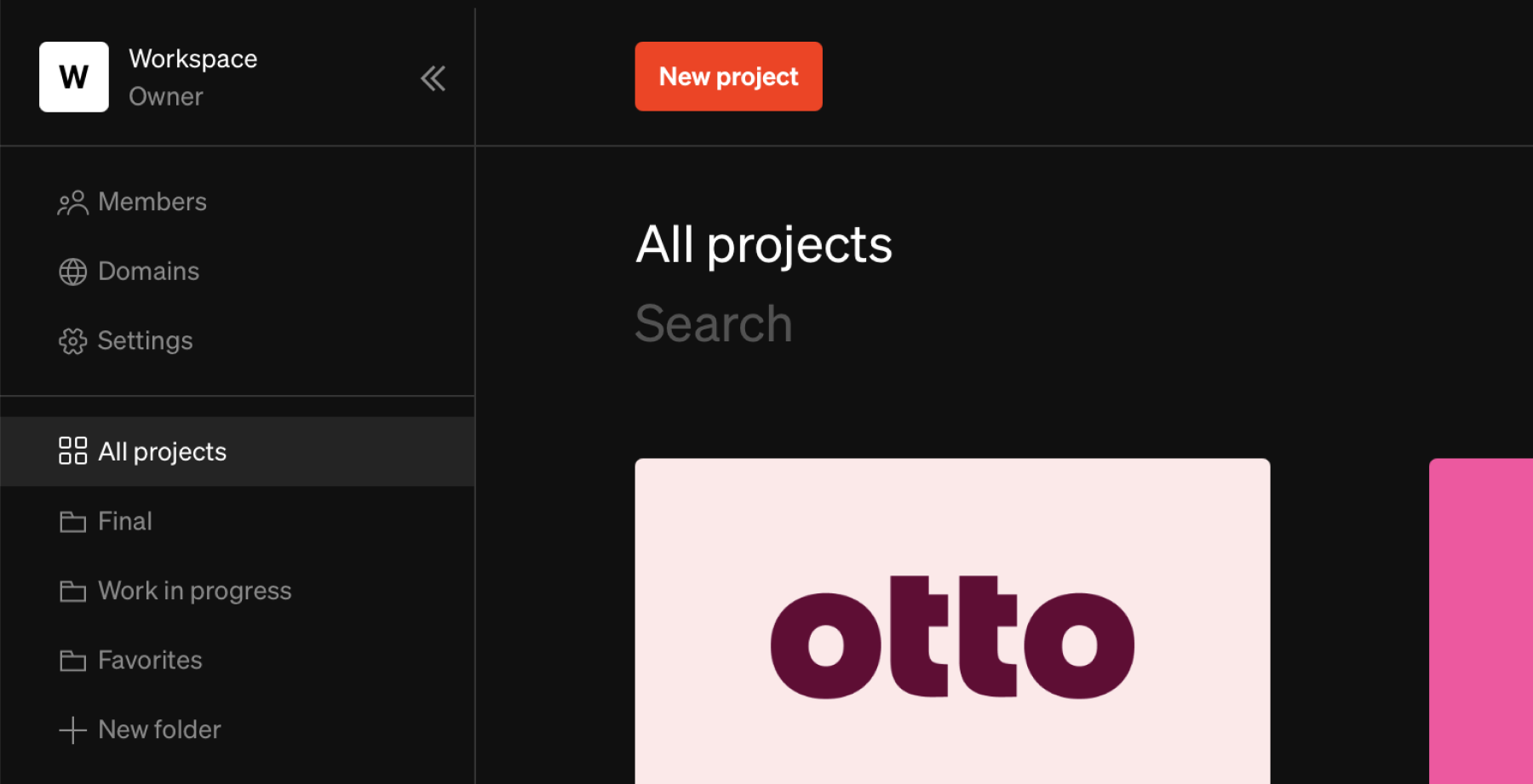
Adding folders
1
Add new folder
From the dashboard, select
+ New folder in the bottom of the left sidebar to create a new folder.2
Name
Make sure to give your folder a unique name to avoid confusion. To rename a folder, either click the name above the project tiles, or right click the name in the sidebar and select
Rename from the list of options.Moving projects between folders
Projects can be added to and moved between folders in two ways:- Drag & drop projects into a desired folder in the sidebar.
- Right click a project tile, and select
Movefrom the list of options.
Deleting folders
Deleting a folder will delete only the folder itself and not any project grouped within the folder. As a result projects grouped within a folder will need to be moved outside the folder before it can be deleted.1
Select delete
From the left sidebar folders list, right click or select the settings icon on the desired folder. Select
Delete2
Move and confirm
Choose a folder to move the projects into then select
Delete folder