Pro & Enterprise Give AI tools direct access to your brand guidelines so every output — copy, code, designs, and more — stays on-brand from the start.
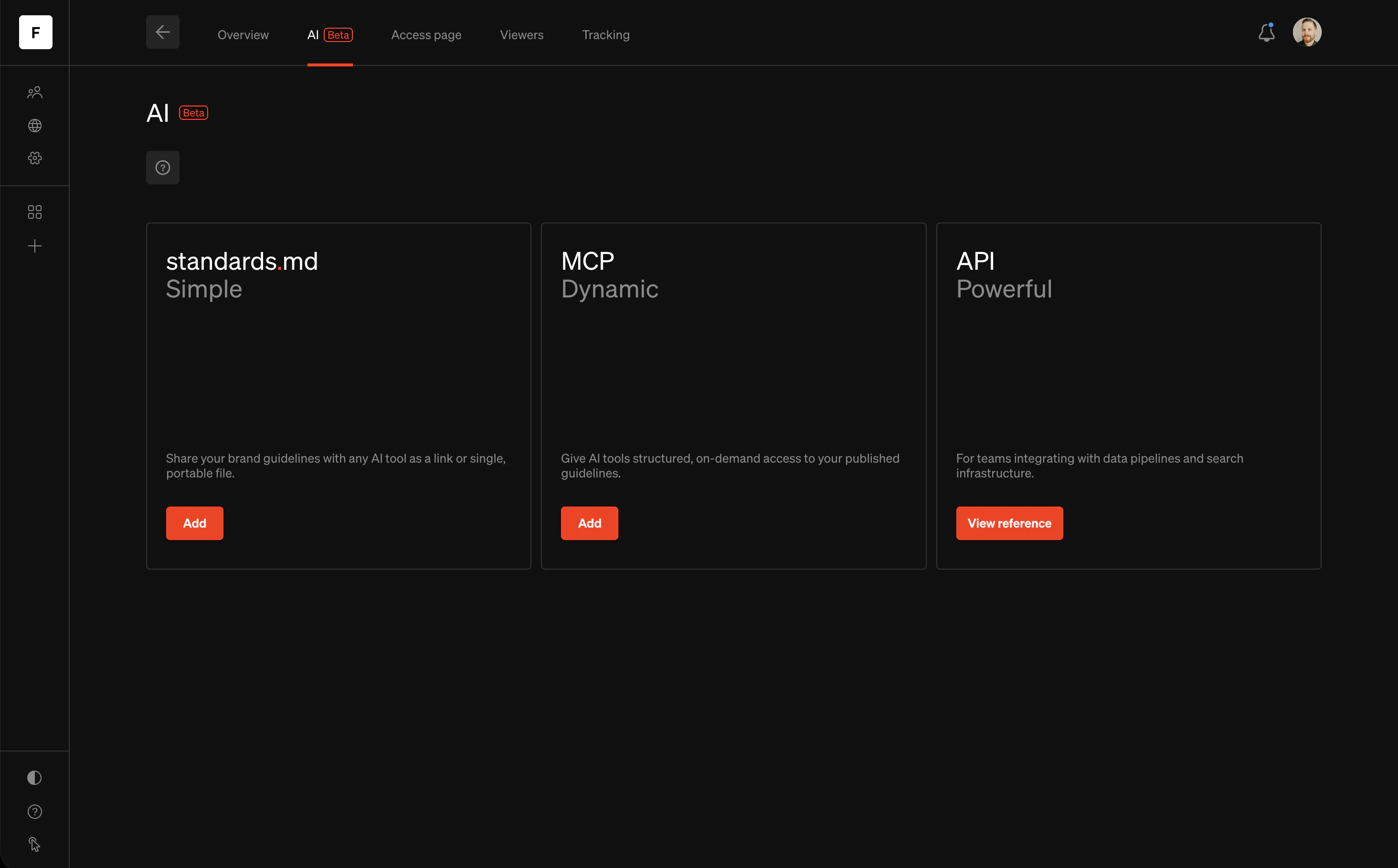
The AI settings page in Standards showing cards for standards.md, MCP, and API

How it works

Standards offers three ways to connect your brand guidelines to AI tools, each designed for different workflows.

standards.md

A portable markdown file optimized for AI tools. Upload it or share the link to give any LLM instant context about your brand. Your file is updated on every publish. Best for quick, one-off prompts and conversations with tools like ChatGPT, Claude, and Gemini.

MCP

A Model Context Protocol server that gives AI agents structured, on-demand access to your published guidelines. Tools query only the pages they need, and content is always current after publish. Best for AI coding tools and agents like Claude Desktop, Cursor, and VS Code.

API

A REST API protected with OAuth 2.0 for programmatic access to your workspace, projects, styles, files, and page content. Best for data pipelines, search infrastructure, and custom integrations like Glean.

Which should I use?

standards.mdMCPAPI
SetupOne clickCopy a linkCreate API key + OAuth
How AI gets dataEntire file in one goQueries pages on demandProgrammatic requests
UpdatesRe-download or re-fetch link after publishAlways current after publishAlways current after publish
Best forChatGPT, Claude, Gemini conversationsClaude Desktop, Cursor, VS CodeGlean, custom pipelines, search indexes
PlanPro & EnterprisePro & EnterpriseEnterprise
When possible, choose a connection method that stays automatically up to date — like MCP or the standards.md share link added to a project. This way, your AI tools always reference your latest published guidelines without any manual steps after each publish. You can enable all three on the same project — they serve different use cases and work independently.

Optimize your project for AI

The quality of AI-generated output depends on the quality of your published guidelines. Follow these practices to get the best results.

Write descriptive content

AI tools read the text content of your published pages. Pages with clear, descriptive copy produce better results than pages that rely heavily on visual examples alone. Where possible, supplement visual examples with written explanations of when and how to apply each guideline.

Add image descriptions

Image descriptions (alt text) are included in your standards.md file and API responses, giving AI tools context about visual content they can’t see directly. Adding descriptions to your media and files ensures AI tools understand your logos, color swatches, photography examples, and other visual assets. Learn more about image descriptions →

Use content tags

Tagging your text with proper heading levels (H1–H6) and paragraph tags helps AI tools understand the hierarchy and structure of your content. This improves how tools parse and prioritize information from your guidelines. Learn more about content tags →

Label sections for structure

Adding accessibility labels to grouped sections helps AI tools understand the organization of each page. A group labeled “Logo clearspace” is more useful to an AI tool than an unlabeled collection of images and text. Learn more about section labeling →

Keep pages focused

Pages that cover a single topic — like “Logo” or “Color” — are easier for AI tools to parse than pages that combine many unrelated subjects. This is especially impactful for MCP, which retrieves individual pages on demand.