

View history
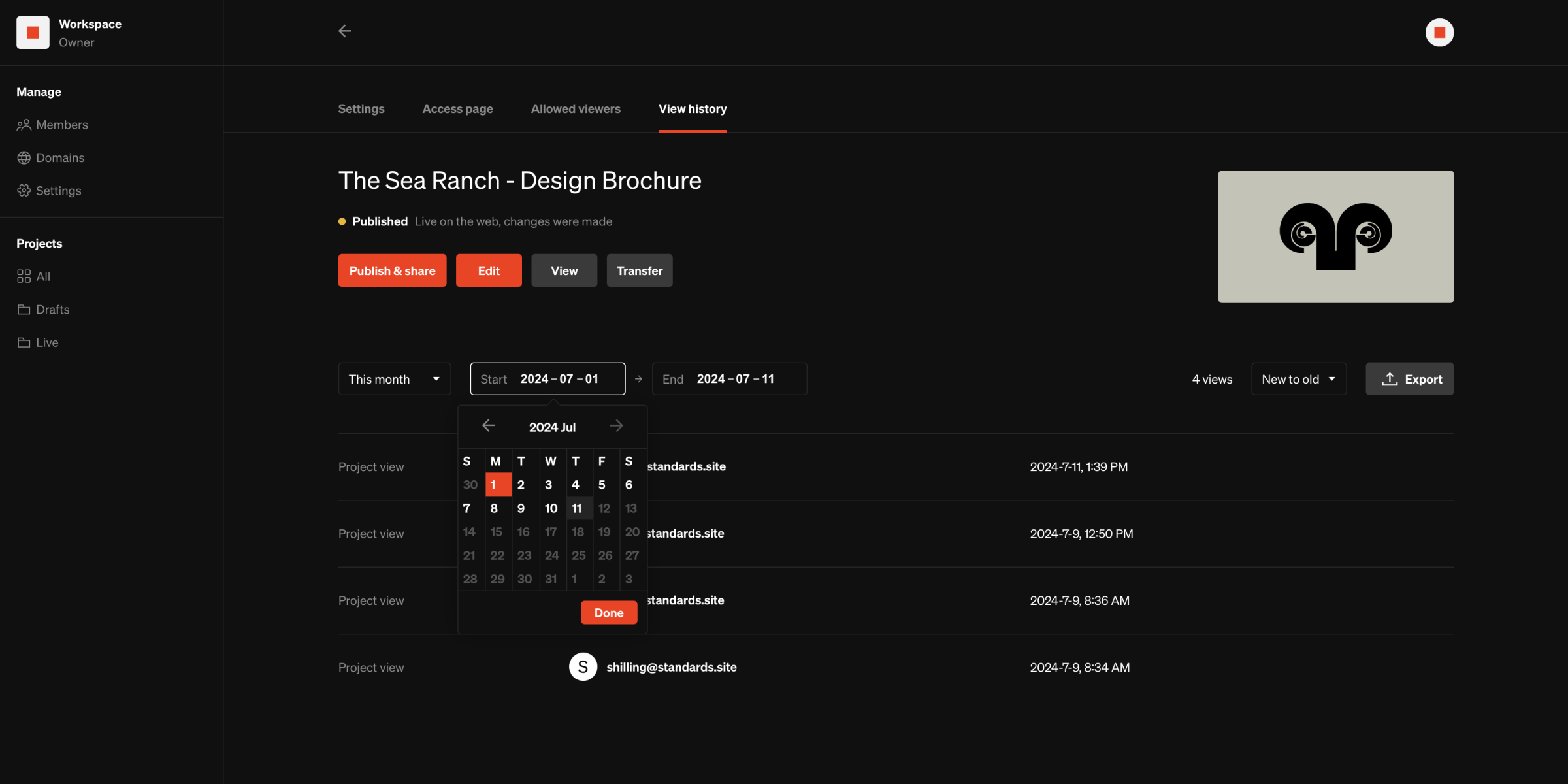
Enterprise Projects published with Logged access and Sign-in required security types automatically track view history. Access project view history:- Select a project from your workspace dashboard
- From the project settings view in the dashboard, select the View history tab
- This section lists all project views with a range
- Browse by filtering a range and sorting
- Export view history logs by selecting
Export
Keep in mind
- View history is retained even if the project security type has been changed.
- Only projects with Logged access and Sign-in required security types track view history.
Google analytics
Pro & Enterprise Add Google analytics to track web traffic to your published projects.- Select a project from your workspace dashboard
- Select the project settings tab in the dashboard
- Within the Analytics settings group, Enter your GA measurement ID
Tip: For assistance setting up and obtaining a GA measurement ID, follow Google’s support guide