

1
Find the key in your workspace settings
From the
API tab on the workspace settings page, locate the API key by name in the table.2
Select "Disable" or "Delete"
Open the menu in the right-most column of the table and select 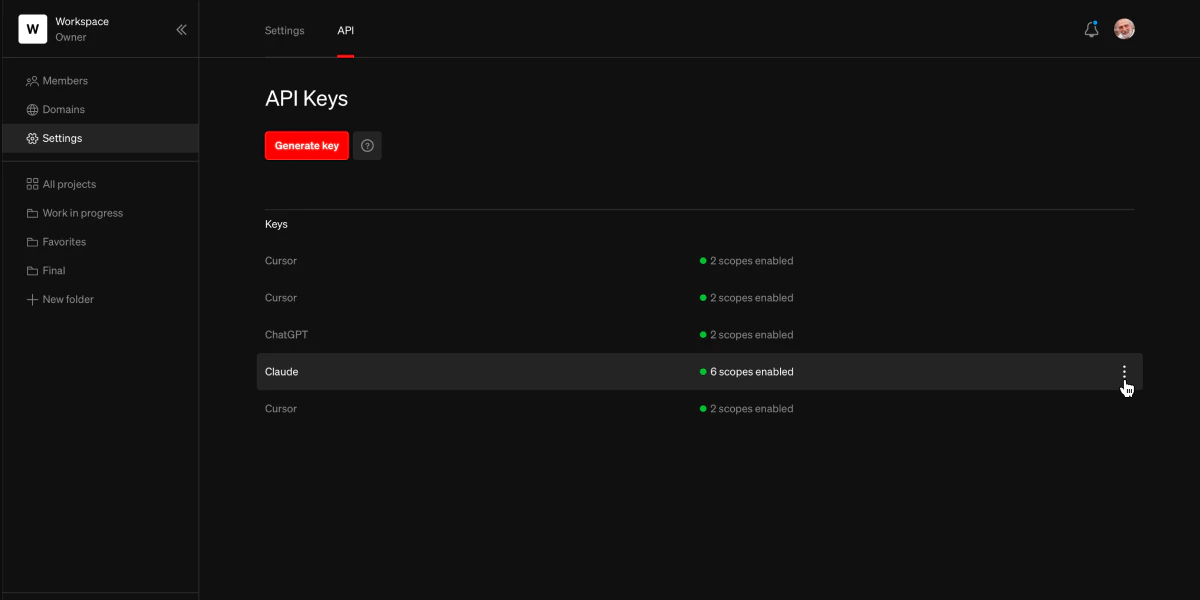
Disable or Delete. A disabled key can later be re-enabled through the same menu, whereas a deleted key cannot be recovered.- Any attempts to retrieve an authorization token using the key will receive an
Unauthorizedresponse. - Existing authorization tokens will continue to function until they expire (expiration time is 15 minutes).
- Existing refresh tokens will no longer be able to be exchanged for authorization tokens.