> ## Documentation Index
> Fetch the complete documentation index at: https://help.standards.site/llms.txt
> Use this file to discover all available pages before exploring further.
# Effects
Apply effects to quickly demonstrate a brand don’t, add emphasis with a drop shadow, or show the x-height of text.
 ***
## Effects basics
Effects are settings that can be applied to elements.
### How to apply effects
Within the design editor, in the right sidebar settings, look for the group labeled **Effects**
Choose the desired effect from the effect dropdown. Modify the parameters, then press done to apply
Effects can stack, so add more than one to get creative
### Managing effects
* Effects can be removed by selecting the trash can icon, or from within the effect edit sidebar
* Edit existing effect by selecting them from the **Effects** settings group on the selected element
***
## General effects
General effects can be applied to most elements to quickly demonstrate a brand Don’t or add emphasis with a drop shadow.
### Strikethrough
***
## Effects basics
Effects are settings that can be applied to elements.
### How to apply effects
Within the design editor, in the right sidebar settings, look for the group labeled **Effects**
Choose the desired effect from the effect dropdown. Modify the parameters, then press done to apply
Effects can stack, so add more than one to get creative
### Managing effects
* Effects can be removed by selecting the trash can icon, or from within the effect edit sidebar
* Edit existing effect by selecting them from the **Effects** settings group on the selected element
***
## General effects
General effects can be applied to most elements to quickly demonstrate a brand Don’t or add emphasis with a drop shadow.
### Strikethrough
 The strikethrough effect is a line that overlays typically used to show an example of something a viewer should not do.
### Drop shadow
The strikethrough effect is a line that overlays typically used to show an example of something a viewer should not do.
### Drop shadow
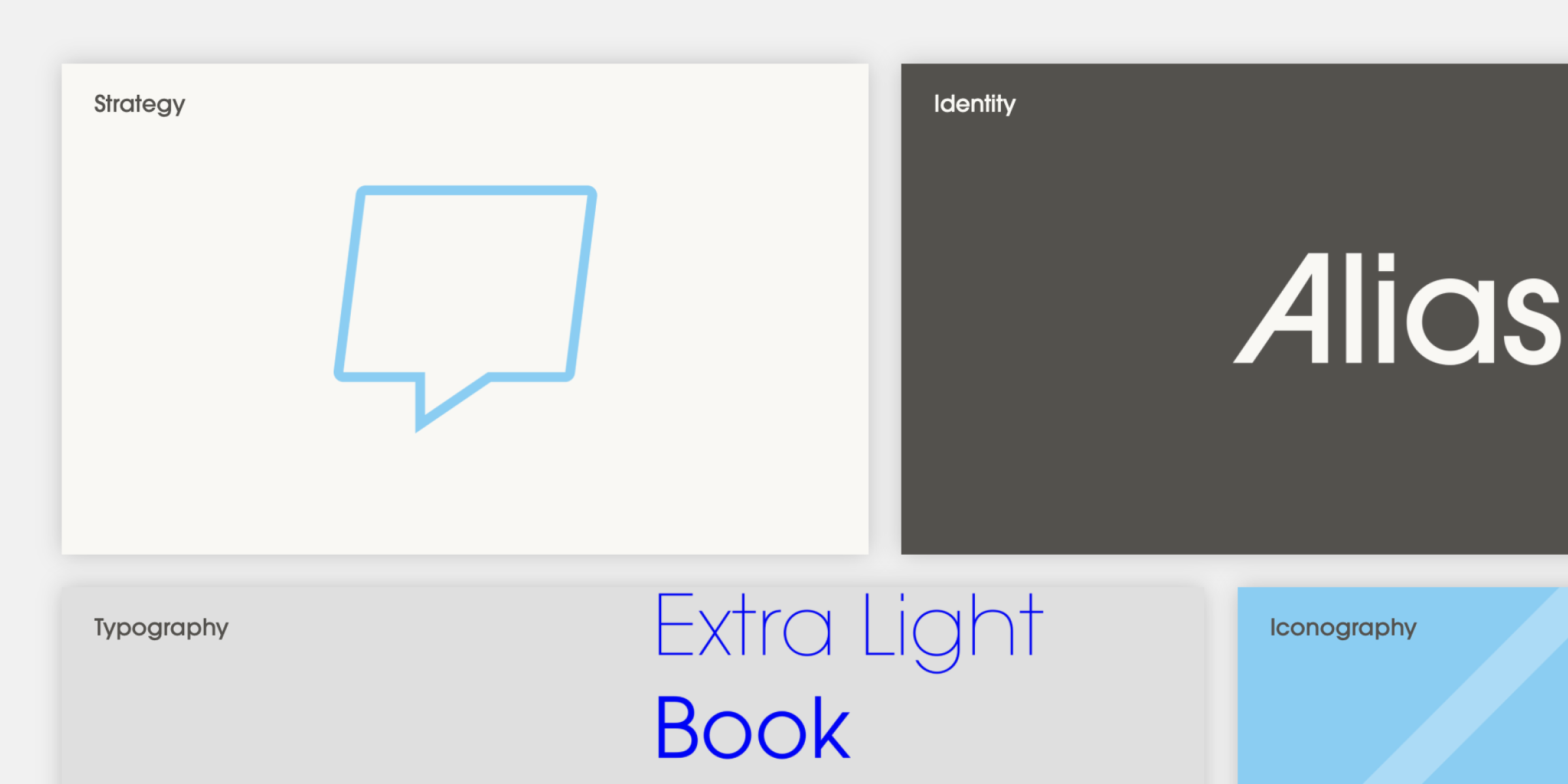 The drop shadow effect allows depth to be added behind elements.
### Rotate
The drop shadow effect allows depth to be added behind elements.
### Rotate
 The rotate effect allows elements to be rotated up to 360 degrees.
### Stretch
The rotate effect allows elements to be rotated up to 360 degrees.
### Stretch
 The stretch effect allows elements to be stretched in or out along an x,y axis.
### Backdrop filter
The stretch effect allows elements to be stretched in or out along an x,y axis.
### Backdrop filter
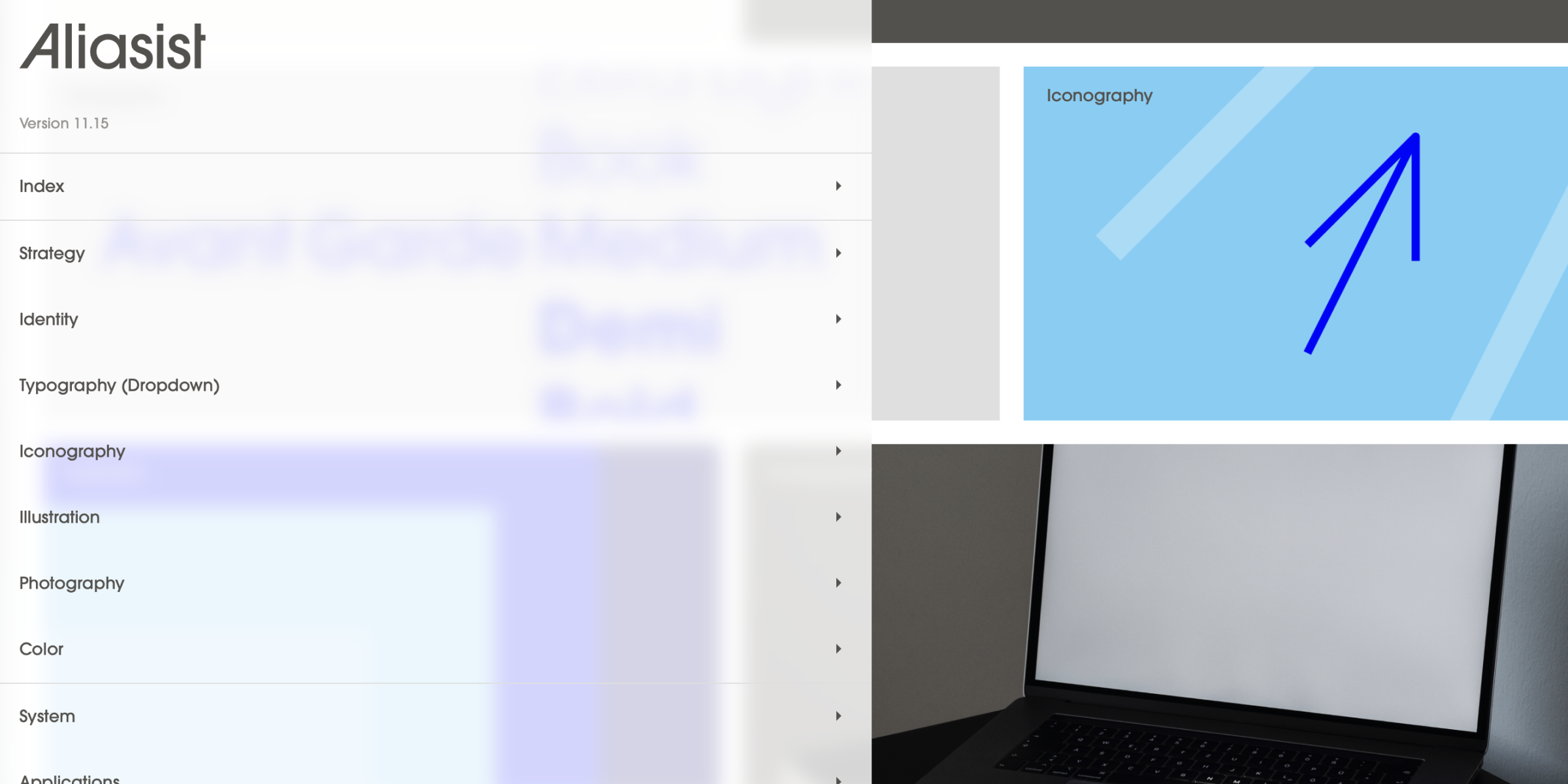 Backdrop filter effects fill the element it’s applied to and interacts with the content in or behind it. Common uses are background blurs or desaturating an image.
***
## Text effects
Backdrop filter effects fill the element it’s applied to and interacts with the content in or behind it. Common uses are background blurs or desaturating an image.
***
## Text effects
 Text effects are special effects that enhance text elements.
### Baseline
Show the **baseline**, the invisible line upon which most letters sit.
### Cap Height
Show the **cap height**, the distance from the **baseline** to the top of a capital letter
### X-Height
Show the **x-height**, the height of lowercase letters that don’t have ascenders or descenders
Text effects are special effects that enhance text elements.
### Baseline
Show the **baseline**, the invisible line upon which most letters sit.
### Cap Height
Show the **cap height**, the distance from the **baseline** to the top of a capital letter
### X-Height
Show the **x-height**, the height of lowercase letters that don’t have ascenders or descenders