> ## Documentation Index
> Fetch the complete documentation index at: https://help.standards.site/llms.txt
> Use this file to discover all available pages before exploring further.
# Connect Namecheap Domain
**Note:** If you have another provider, you can most likely follow these same steps.
***
## Add CNAME record
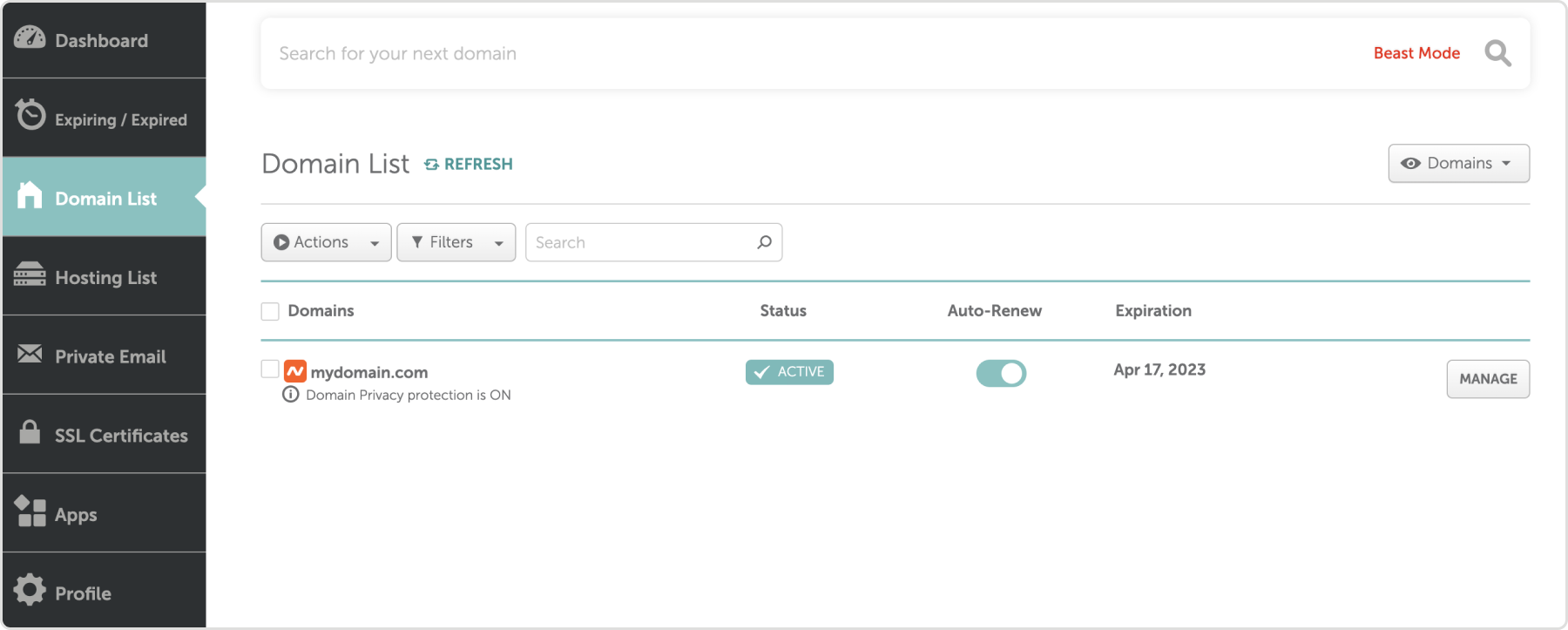
 Choose **CNAME** as the **Type.** For base domains, such as [**mydomain.com**](http://mydomain.com), enter the name:
```text theme={null}
_acme-challenge
```
For subdomains such as **brand.mydomain.com**, enter the name:
```text theme={null}
_acme-challenge.brand
```
Where “brand” is whatever you chose to add to Standards.
From Standards, copy the CNAME record value. In Namecheacp paste the value into the field.
Select the checkmark icon on the right.
Choose **CNAME** as the **Type.** For base domains, such as [**mydomain.com**](http://mydomain.com), enter the name:
```text theme={null}
_acme-challenge
```
For subdomains such as **brand.mydomain.com**, enter the name:
```text theme={null}
_acme-challenge.brand
```
Where “brand” is whatever you chose to add to Standards.
From Standards, copy the CNAME record value. In Namecheacp paste the value into the field.
Select the checkmark icon on the right.
 ***
## Add A record
In Namecheap, select **Add new record**
For base domains, such as [**mydomain.com**](http://mydomain.com), enter `@` in the **Name** field. For subdomains, such as **brand**[**.mydomain.com**](http://identity.mydomain.com), enter the subdomain portion `brand`.
From Standards, copy the A record value. In Namecheap paste the value into the field.
***
## Add A record
In Namecheap, select **Add new record**
For base domains, such as [**mydomain.com**](http://mydomain.com), enter `@` in the **Name** field. For subdomains, such as **brand**[**.mydomain.com**](http://identity.mydomain.com), enter the subdomain portion `brand`.
From Standards, copy the A record value. In Namecheap paste the value into the field.
 Select the checkmark icon on the right.
***
## Check status
Return to the **Domains** page in Standards to check the status of the connection. Connection can take up to 72 hours, but typically connects much quicker.
***
## Publish
Once connected, the domain will be available for use in publishing. Publish to the domain through the Publish & share window within the web address section. Learn more about [publishing](/publish-share).
Select the checkmark icon on the right.
***
## Check status
Return to the **Domains** page in Standards to check the status of the connection. Connection can take up to 72 hours, but typically connects much quicker.
***
## Publish
Once connected, the domain will be available for use in publishing. Publish to the domain through the Publish & share window within the web address section. Learn more about [publishing](/publish-share).